Decide who needs which information
A private training record may need an exact route for your own comparison, while a public post may need only a broad description of the outing. A friend meeting you tomorrow might need a precise meeting place sent privately. These purposes do not require the same public information.
Start by listing where the activity will go: the recording device, its companion service, any linked training platform and any social account you use. A setting in one service should not be treated as a promise about every destination. Turn off unnecessary automatic sharing before you record something sensitive.
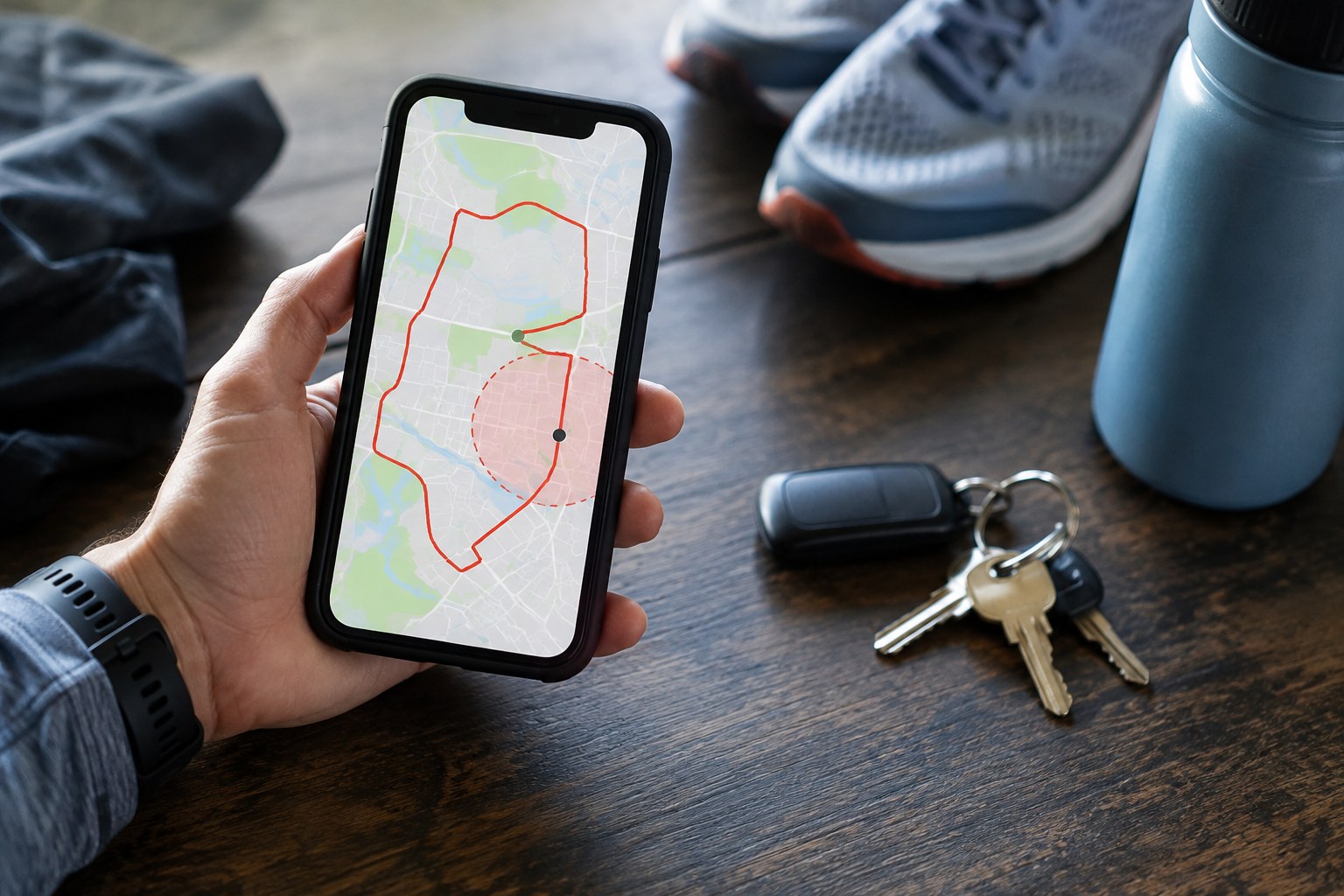
Strava's map visibility guidance distinguishes hiding parts of an activity map from controlling the activity's audience. It also explains that map hiding is not a guarantee that a location cannot be inferred, and that its visibility settings do not carry over to other platforms. Use the current controls of each service you actually use.
Inspect the whole post, not just the line
A hidden starting segment can still leave clues in repeated routes, a recognisable junction, an activity title or a photograph. Consider the combined picture. If every public run begins at the same small area, changing a single caption may do little to reduce what your history reveals.
Review photos for house numbers, distinctive entrances and visible documents. Think about captions such as leaving my front door or the short walk back home. You do not need to publish the relationship between a location and your private life merely because the location itself is publicly accessible.
If you want to share a route for others to follow, prepare a separate version beginning at an appropriate public meeting point, with permission to use the paths checked independently. Remove the private connection from the shared file itself. Do not assume a cropped display means the downloadable original has been changed.
Review exported files before sending them. If you cannot determine what location detail the recipient will receive, use a less detailed description or a deliberately prepared route instead. Send exact meeting information directly to the people who need it rather than attaching it to a public activity by default.
Check the result after publishing
Use the service's available preview or visibility tools to inspect the result from the intended audience's perspective. A view while signed into your own account may show information that others cannot see, so it is not always a valid test. Equally, do not assume an unavailable preview proves that the information is hidden.
Check previous activities when you change your approach. Read whether a control applies to older uploads, new uploads or individual activities, and verify the specific posts that concern you. Different controls can have different effects; a new preference should not be assumed to repair the whole history.
Keep practical sharing separate from broad publicity. A trusted person who knows your planned route and return time may need information that you choose not to publish. Privacy does not require withholding useful plans from everyone; it means choosing the recipient, detail and timing deliberately.
Finally, revisit linked accounts after adding a device or changing an app. A recording workflow often grows one connection at a time. A short review of its actual destinations is more useful than remembering that you once enabled a privacy option somewhere.