Identify what the app has actually saved
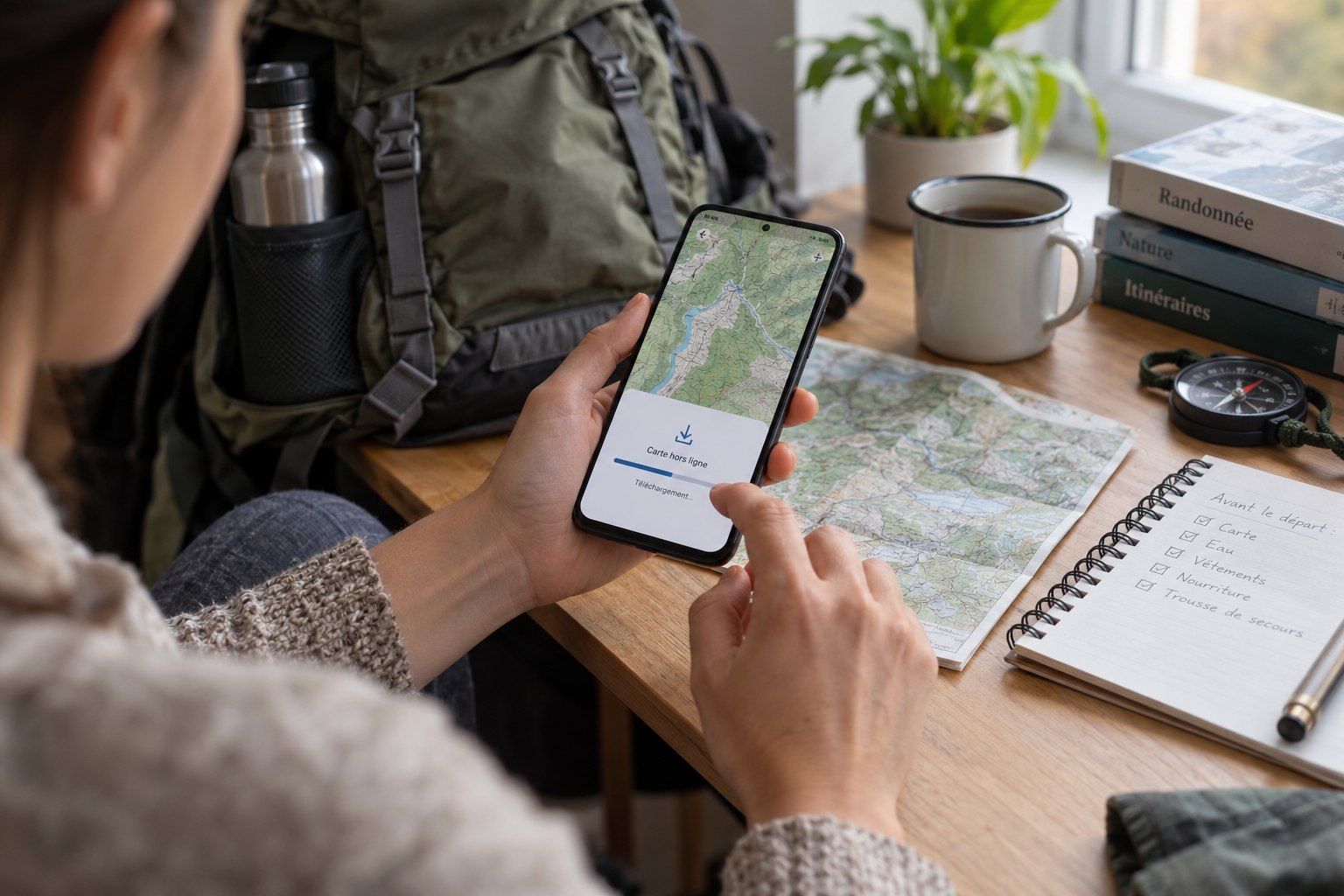
Open the app’s offline-map instructions for the version and plan you use. Some services distinguish between a route file, a background map and additional layers. Seeing a route in a saved list does not prove that the surrounding paths will remain visible away from reception. Check the download control and its completion status, rather than assuming recent viewing has made the area available permanently.
For example, IGN documents offline downloading of areas of Plan IGN in its Cartes IGN app, while not all background maps have the same download availability. This is a reason to check the chosen layer, not an instruction to assume every map in every app behaves alike. Keep the provider’s current help page available while setting things up.
Download beyond the intended track
Select an area that includes the start, the whole route and realistic alternatives. A tight rectangle around the planned line may leave the nearest village or return road outside the download. Think through a shortened outing and a turn-back before deciding the boundaries. If the app offers different detail levels, inspect the level at which junctions and path names become useful to you.
Allow the download to finish on a stable connection and check that the phone has enough storage. Avoid beginning a large download as you leave the house, then discovering that it stopped partway through. Name the area clearly if the app allows it. Several entries called offline map are difficult to distinguish when you are looking for the right one in the field.
Run a deliberate no-connection test
Disable the phone’s network connections for the test, then reopen the app. Do not merely stand in a place where reception seems weak. Browse the whole downloaded area, zoom to the detail you need and inspect the start, a complicated junction and an alternative exit. Check that the route overlay is visible against the map rather than floating on a blank background.
Move beyond the route line and inspect the surrounding connections. A successful view at the starting point is only a partial test. If names or paths vanish at a useful zoom level, correct the download before the outing. Restore the phone’s normal connection afterwards; an offline-map rehearsal should not leave you unintentionally unable to receive messages all afternoon.
Check whether the app can reopen the saved area after being closed, and whether it asks for a login or an additional download. If access depends on a subscription or account, confirm its status in advance. Record the exact steps that work rather than memorising an approximate sequence from an older version of the app.
Separate navigation from communication
A map visible offline does not establish that calls or messages will work along the route. Tell your contact the plan and expected return before leaving reception. Likewise, a working position marker does not establish that every nearby path is accessible. Compare the map with signs, terrain and current closure information rather than following the screen through a barrier.
Carry an appropriate backup and know how to use it. A second copy of the same route on the same phone is not independent of a flat battery, damaged screen or lost device. Depending on the outing, a paper map and a companion’s prepared device may provide useful additional options. Choose a route that matches your navigation ability rather than treating downloads as a substitute for it.
Refresh the preparation when the route changes
If you switch to another trailhead or add a section, revisit the offline area. Small changes can move a key junction outside its boundary. Before departure, check the device charge, map availability and weather information together. Once on the trail, stop in a safe place to consult the map rather than trying to diagnose a missing layer while running.
After returning, keep the download if it remains useful, but give it a clear name and review it before another visit. Record what was difficult to read or which exit lay near the edge of coverage. Those observations improve the next preparation more than simply noting that the app worked.