Give the screen a job
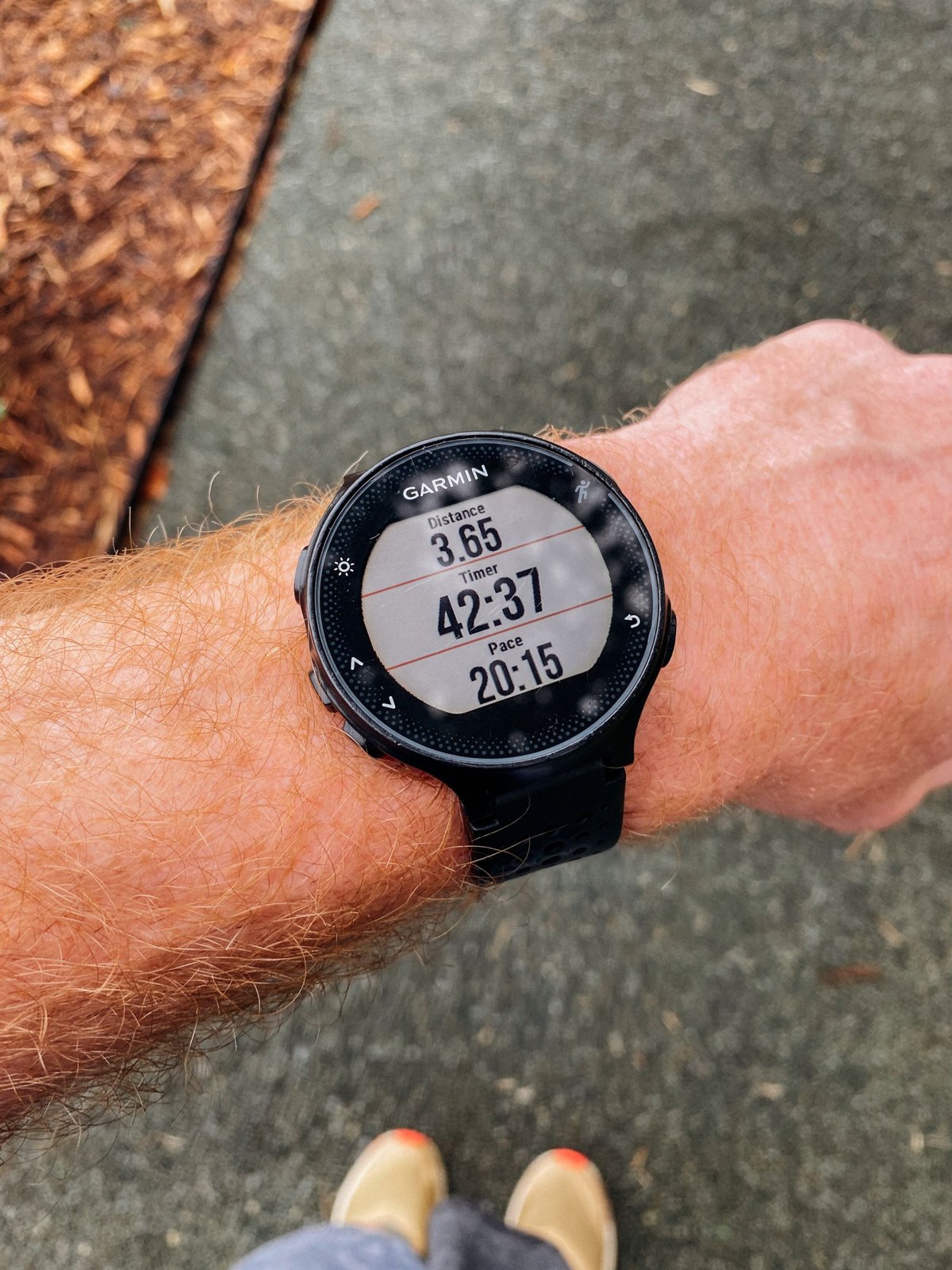
Decide what you will use the watch for today: keeping track of elapsed time, following a planned interval or checking the route at stops. Choose the fields that support that task. A relaxed local outing may not need the same layout as a structured session. You can keep more detailed information in the saved activity without placing all of it on the main screen.
Use the manual for your watch to identify the correct activity profile and data-screen settings. Change a copy of a profile if that is supported and useful, rather than accidentally altering another sport’s setup. Give the arrangement a clear name where possible. Avoid assuming a video for a different watch version uses the same controls.
Check readability in motion
Wear the watch as intended and look at the screen during a safe walking test. Can you identify the important field at a glance, or do several similar numbers compete? Increase simplicity before increasing the time spent staring. A large elapsed-time field may be more useful than a crowded panel of values you never use to make a decision.
Practise moving between the main screen and navigation while stopped. Learn the start, pause and finish controls so a clothing adjustment does not accidentally end the activity. Check button locks or touch settings in the device instructions if those features matter to your use. The purpose is predictable operation, not a complicated configuration project.
Keep alerts intentional
Review the alerts you have enabled. A notification that is useful during one session can be distracting during another. Remove or disable unnecessary prompts through the supported settings, and test the ones you retain on a short local outing. Do not discover a repeated alert for the first time on a narrow trail where it draws your attention away from the ground.
Afterwards, ask which information you actually consulted and why. Remove unused fields rather than adding more because they are available. Save a note or image of the layout if it helps reproduce it after an update. A successful screen lets you spend less time managing the watch and more time understanding the route and the purpose of the outing.